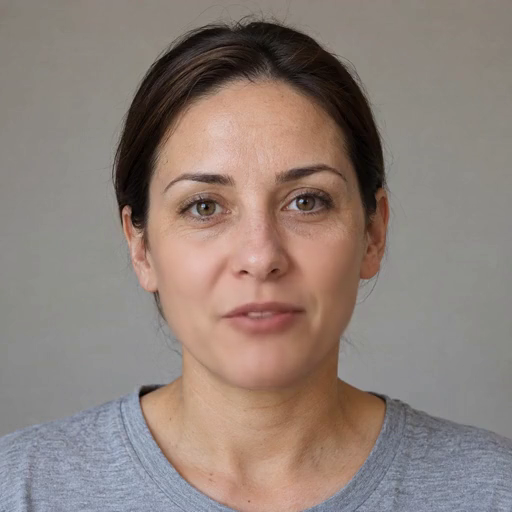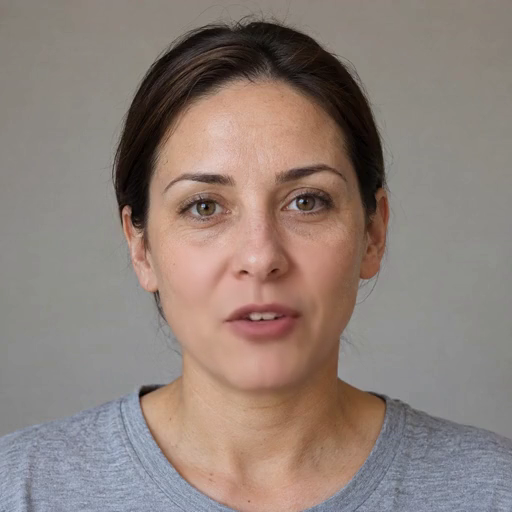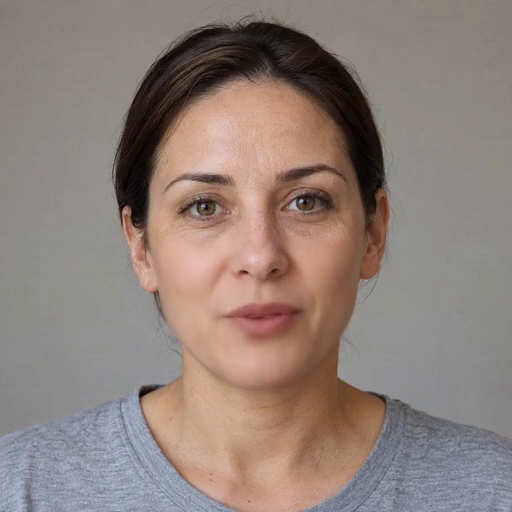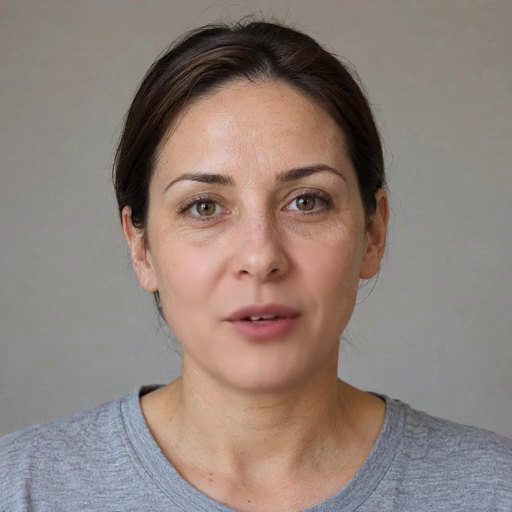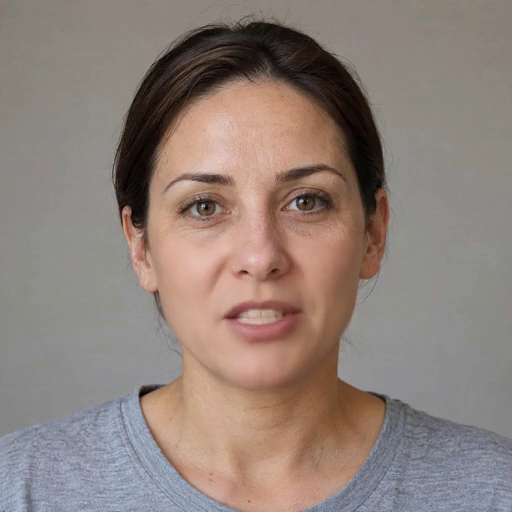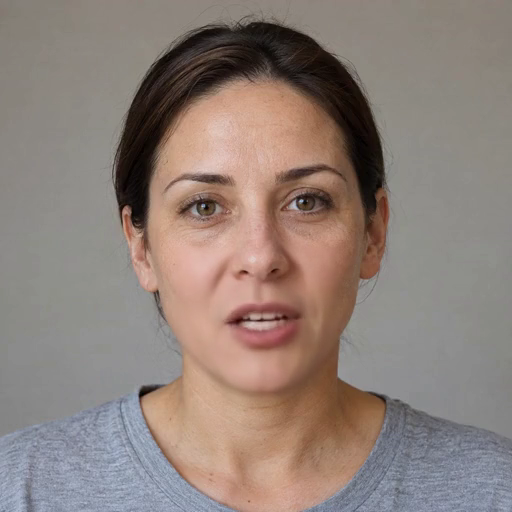
If you’ve been following MuseTalk tutorials online, you’ve probably noticed something confusing. Some guides tell you to run sh inference.sh v1.0, others use v1.5, and the folder structure has two separate model directories sitting side by side. Which one are you supposed to be using?
The short answer is 1.5. The longer answer explains why, what actually changed under the hood, and the handful of situations where the older version still makes sense.
The Quick Version
MuseTalk 1.5 arrived on 28 March 2025, roughly a year after the original release. It uses the same architecture as 1.0 and runs at the same speed.
The differences come entirely from how it was trained.
The team describes 1.5 as a meaningful improvement over 1.0 in three specific areas: clarity, identity consistency, and lip to speech synchronisation accuracy.
Here’s the thing that makes the upgrade a straightforward decision: 1.5 has the same computation time as 1.0. You’re not trading speed for quality.
You’re getting better output from the same hardware at the same rate.
Learn: How to Install MuseTalk?
MuseTalk 1.0 vs MuseTalk 1.5 Overview
| MuseTalk 1.0 | MuseTalk 1.5 | |
|---|---|---|
| Released | April 2024 | March 2025 |
| Training losses | L1 loss | Perceptual loss, GAN loss, and sync loss |
| Training strategy | Single stage | Two stage with spatio temporal data sampling |
| Clarity | Baseline | Improved |
| Identity consistency | Baseline | Improved |
| Lip sync accuracy | Baseline | Improved |
| Computation time | Baseline | Same as 1.0 |
| Real time capable | Yes | Yes |
| Face region size | 256 x 256 | 256 x 256 |
| Architecture | Frozen VAE, frozen Whisper, trained U Net | Identical |
| Model folder | models/musetalk | models/musetalkV15 |
| Weight file | pytorch_model.bin | unet.pth |
| Inference command | sh inference.sh v1.0 | sh inference.sh v1.5 |
| License | MIT, commercial use permitted | Identical |
What Actually Changed: The Training
Since the architecture stayed the same, everything interesting happened during training. Two changes matter.
Change 1: Three loss functions instead of one
The publicly released 1.0 model was trained primarily with L1 loss. L1 is a simple, honest measurement: it compares the generated image against the target pixel by pixel and asks how far off each one is.
That works, but it has a known weakness. Optimising purely for pixel accuracy tends to produce results that are technically close but perceptually soft, because the safest way to minimise average pixel error is to hedge toward something blurry rather than commit to sharp detail.
MuseTalk 1.5 adds two more signals on top:
- Perceptual loss compares images the way a neural network sees them rather than pixel by pixel, which pushes the model toward results that look right to a human eye rather than results that merely score well.
- GAN loss brings in a second network trained to distinguish generated frames from real ones. The generator improves by trying to fool it, which pushes output toward genuine sharpness.
Together, these two are what the team credits for the improved clarity in 1.5.
There’s also a third addition, and it targets a different problem entirely.
- Sync loss measures how well the generated mouth movement actually matches the audio. This is the piece responsible for the tighter lip to speech accuracy.
That distinction matters. Perceptual and GAN loss make frames look better. Sync loss makes the mouth match the sound.
Improving one usually costs you the other, which brings us to the second change.
Change 2: Two stage training with spatio temporal sampling
The team explicitly frames this as a balancing act. Their stated goal for the 1.5 training strategy was striking a balance between image quality and lip sync accuracy, rather than pushing one at the expense of the other.
Two mechanisms handle this. A two stage training strategy separates the process rather than trying to optimise everything simultaneously.
And a spatio temporal data sampling approach governs which frames the model learns from and how they relate to each other across time.
The result is a model that improved on both fronts at once, which is the part that makes 1.5 worth switching to rather than a lateral move.
What Stayed Exactly the Same
Worth knowing, because it means everything you’ve learned about MuseTalk still applies.
The architecture. Both versions encode images with a frozen ft-mse-vae, encode audio with a frozen whisper-tiny model, and generate through a U Net borrowed structurally from stable-diffusion-v1-4, with audio fused into image embeddings through cross attention.
The single step approach. Both versions are not diffusion models. Both inpaint in the latent space in a single step, which is what makes real time performance achievable at all.
The 256 x 256 face region. Resolution did not change between versions.
Speed. The team confirms 1.5 carries the same computation time as 1.0 and supports real time inference.
Language support. Chinese, English, and Japanese, in both.
The license. MIT for the code, no restriction on academic or commercial use, and trained weights available for any purpose including commercial work. Identical across versions.
The known limitations. This one deserves its own section.
The Limitations 1.5 Did Not Fix
Be clear about this before you upgrade expecting miracles. The team lists three limitations, and they apply to both versions.
Resolution. The 256 x 256 face region puts MuseTalk ahead of other open source methods, but the team acknowledges it has not yet reached the theoretical resolution bound. Their suggestion if you need more: run a super resolution model like GFPGAN alongside MuseTalk.
Identity preservation. Some details of the original face are not well preserved. The team names moustaches, lip shape, and lip colour specifically. If your subject has facial hair around the mouth, expect this to show in both versions.
Jitter. The pipeline generates one frame at a time, and that introduces some frame to frame variation. 1.5 handles this better in practice thanks to its training improvements, but the underlying cause is architectural and remains present.
So 1.5 is a better model. It is not a different model.
How to Switch to MuseTalk 1.5?
If you’re currently running 1.0, moving over is quick.
Check your weights
The two versions live in separate folders and use different filenames:
./models/
├── musetalk
│ ├── musetalk.json
│ └── pytorch_model.bin
└── musetalkV15
├── musetalk.json
└── unet.pth
If you only ever downloaded 1.0, you’ll need to fetch the 1.5 weights before anything else works. The download scripts in the repository handle both.
Update your command
Linux:
sh inference.sh v1.5
Windows, where the paths are explicit:
python -m scripts.inference --inference_config configs\inference\test.yaml --result_dir results\test --unet_model_path models\musetalkV15\unet.pth --unet_config models\musetalkV15\musetalk.json --version v15 --ffmpeg_path ffmpeg-master-latest-win64-gpl-shared\bin
The three things that change between versions are --unet_model_path, --unet_config, and --version. For 1.0, those point at models\musetalk\pytorch_model.bin, models\musetalk\musetalk.json, and v1 respectively.
Retune bbox_shift
Worth flagging, since people miss it. If you’d found a bbox_shift value that worked well on 1.0, don’t assume it transfers.
The models generate differently enough that rerunning your two pass tuning process on 1.5 is worth the extra render.
When 1.0 Still Makes Sense
Not many situations, but they exist.
You’re following an older tutorial. Plenty of MuseTalk guides published in 2024 assume 1.0 paths and filenames. If you’re learning from one and something isn’t matching, it may be simpler to complete it on 1.0 first and switch afterward.
Existing pipeline compatibility. If you’ve built tooling around 1.0’s file paths, and it works, there’s no urgency to change. The improvements are real but incremental rather than transformative.
Third party integrations. Some community projects, including ComfyUI nodes, were built against 1.0 and may not have been updated. The MuseTalk team is explicit that they have not verified, maintained, or updated third party integrations, so support there depends on the individual maintainer.
Disk space. If you’re tight and know you’ll only use one, keeping a single version’s folder is fine.